

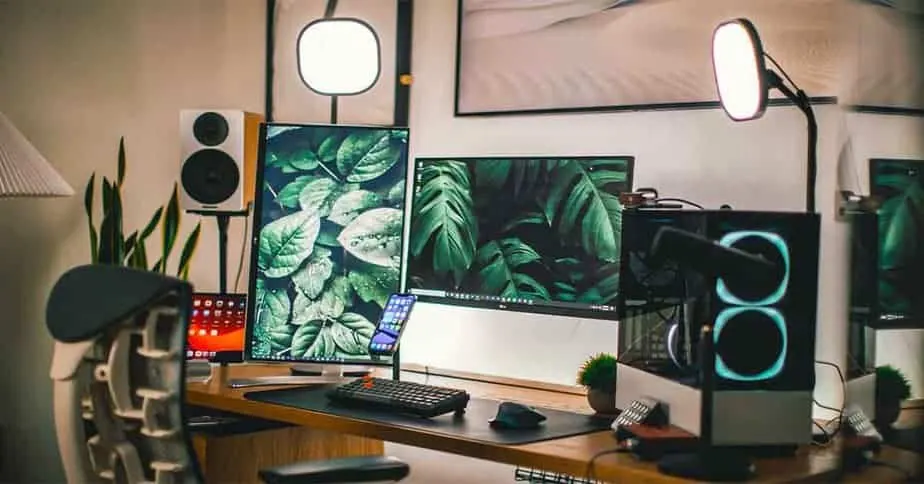
How Often Should you Clean Your PC?
This is a question that has many answers, as it depends on the user and their device. However, we can give some general guidelines. For example, you should clean your PC every one month if you use it regularly. If you don't use your computer often or only use it for light tasks, then you may be able to push cleaning to a few months. Also, read how to unlock the keyboard in windows when it's locked?How to Safely Clean PC and Important Things For PC Clean
If you're going to clean your PC, there are some things that you should keep in mind. First and foremost, always unplug your computer before cleaning it. You don't want to risk damaging any of the components by spraying water or other liquids on them. If your computer is particularly dirty, you can use a small amount of vinegar or water. However, do not use any liquids on your computer if it is under warranty. You can clean your pc better watch the following video. https://youtu.be/qhP_rnPrXOwvideo by CPU modder
How to clean your PC System step by step
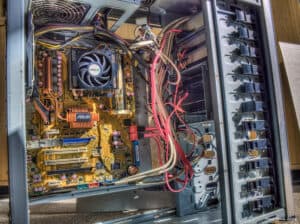
- First, open up the CPU casing
- Remove If have a VGA card
- Remove the RAM cards
- Safely remove the power supply of your pc
- Remove the hard drives if you want
- Use compressed air to clean dust
- Clean all dust inside of your pc
- After finishing, safely fix all that removed
- Use a cloth dampened with water or vinegar to wipe down the exterior of the computer.
How to clean pc keyboard?
If your keyboard is dirty, you can use a slightly damp cloth to clean it. Be sure not to get any liquid inside the cracks of the keys, as this could damage them. You can also use compressed air to blow out any dirt or dust that may be hiding in between the keys.
How to clean pc monitor without any crash?
You can use a cloth dampened with a few drops of vinegar to clean your monitor. The same rules apply here as they do for the keyboard: don't get any liquid inside the cracks or crevices. If you have anti-glare screen cleaners, then that's even better because it will help reduce glare. Make sure if you have an LCD or LED monitor doesn't use vinegar because it might corrode the metal back. Read more about how to clean tempered glass PC at home?How to clean pc fan?
If your PC is running hot, you may need to clean the fan. You can use a vacuum cleaner or compressed air to clean a PC fan. Be sure not to touch the fan blades while they're spinning, as this could cause injury.What Can Happen if You Don't Clean Your PC?
If you don't clean your computer, then it can become bogged down by unnecessary files and programs that take up space on the hard drive. The disk will eventually start running out of room and begin causing errors. If this happens, not only will your computer be running slowly, but you may also lose important files.How Much Does it Cost to Have Someone Else Clean Your PC?
The cost of having someone else clean your PC varies depending on where you live and the type of service that is provided. However, most services charge between $50 and $100 for a standard cleaning.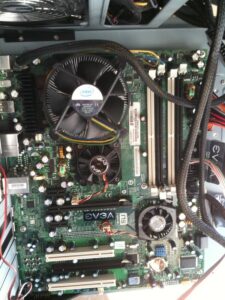
How to Keep Your Laptop from Overheating?
There are a few things that you can do to keep your laptop from overheating.- First, make sure that the vents on the back of the device are clear and not blocked by anything.
- You should also avoid using the laptop in direct sunlight or close to heat sources.
- Finally, try not to place the laptop on soft surfaces like a pillow or blanket as this can also cause overheating.